
How to Get Started with Waki
A step-by-step guide
Download the app
The first step is to download Waki from the App Store or Google Play. The app is completely free and you'll have your account ready in under two minutes.
Set up your profile
Once you're in, complete your profile with your name and area. This helps nearby neighbors find you easily when you post an item.
Post your first item
Got something at home you no longer use? Take a photo, add a short description, and post it. Within minutes, someone in your neighborhood could be interested.
Tips for a great listing
- Use photos with good natural light.
- Describe the condition of the item honestly.
- Indicate whether you prefer to donate or swap.
Connect with your community
When someone shows interest, use Waki's chat to coordinate the handover. It's safe, direct, and has no middlemen.
Why start today?
Every item you share is a step toward a more sustainable life. Reducing, reusing, and sharing doesn't just help the planet — it also creates real connections with the people around you.
Download Waki and start sharing today
Related articles
 Practical Guides
Flat Clearance in Spain
Everything you need to know about flat clearance in Spain: prices, what the service includes, types of clearance, regulations, and sustainable alternatives.
 Practical Guides
Flea Markets in Madrid
Discover the best second-hand flea markets in Madrid: from the historic Rastro to virtual markets. Opening times, locations, and tips.
 Practical Guides
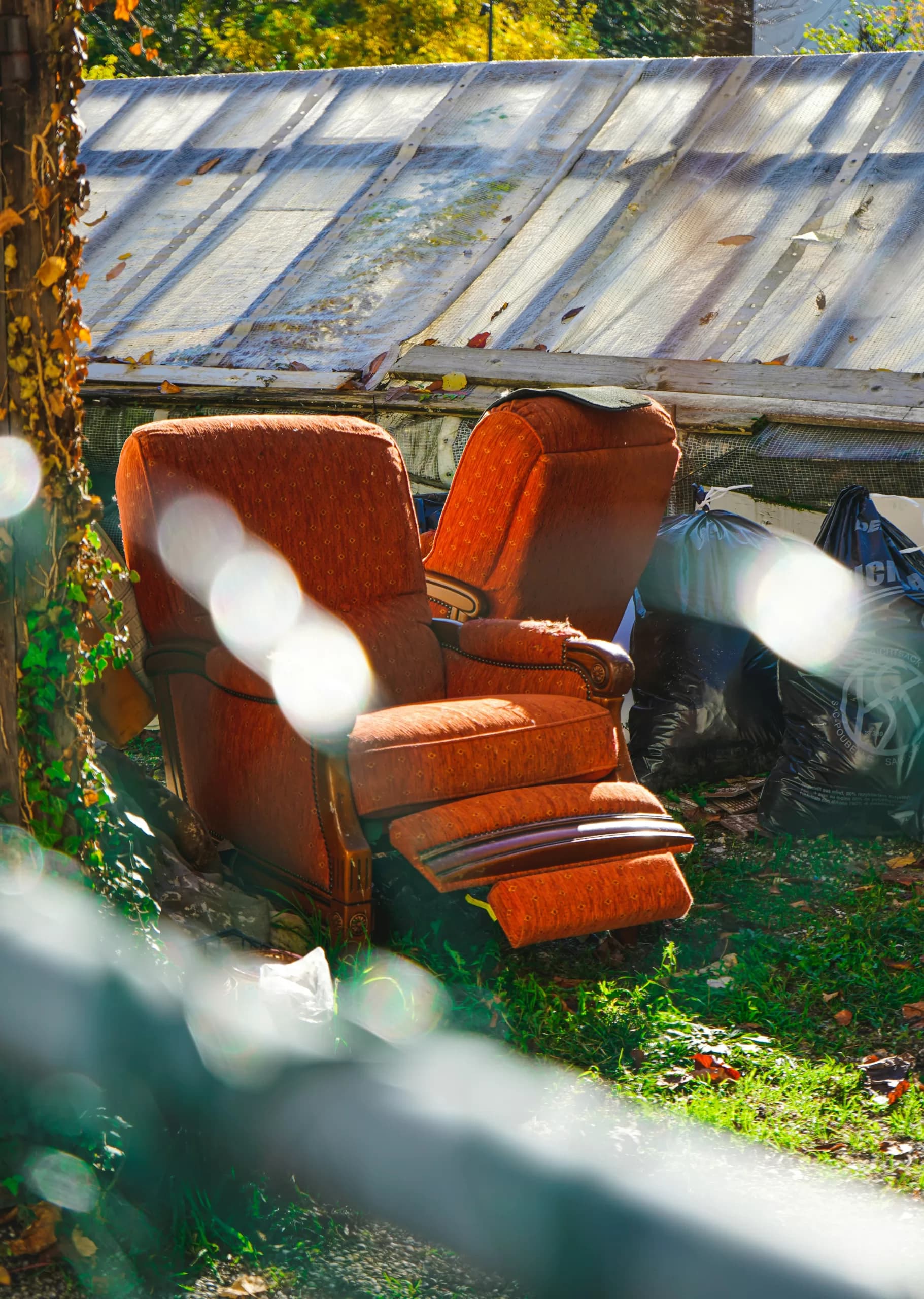
Furniture Collection in Spain
Complete guide to getting rid of furniture in Spain: municipal services, recycling centres, store pickups, private companies, and donating through Waki.